Development
Is software built with AI safe? Six security holes we keep finding
Short answer: it can be, but often it is not out of the box. Tools like Lovable and Cursor build what you ask for, and security has to be asked for on top. Here are the six holes we find most often, and how to check your own.
Short answer
An app, a website or an internal system built with AI tools like Lovable, Cursor or Replit can be as safe as anything else. But it rarely is out of the box. The tools produce code that works, fast. Whether it is safe is another question, and it is rarely one anyone asks.
We build with AI every day ourselves, and we test software others have built. The same six holes keep coming up. None of them needs advanced hacking to exploit. Most can be found by anyone who opens the browser developer tools.
Why does it happen?
When you ask an AI tool for "a system where customers can log in and see their orders", that is exactly what you get. You do not necessarily get rules that stop customer A from seeing customer B's orders. That has to be asked for, and it has to be tested.
Much of the security is not in the code you see either, but in the setup around it: access rules in the database, which keys are sent to the browser and what limits the server has. It is easy to skip when the software looks finished.
1. The database is open to everyone
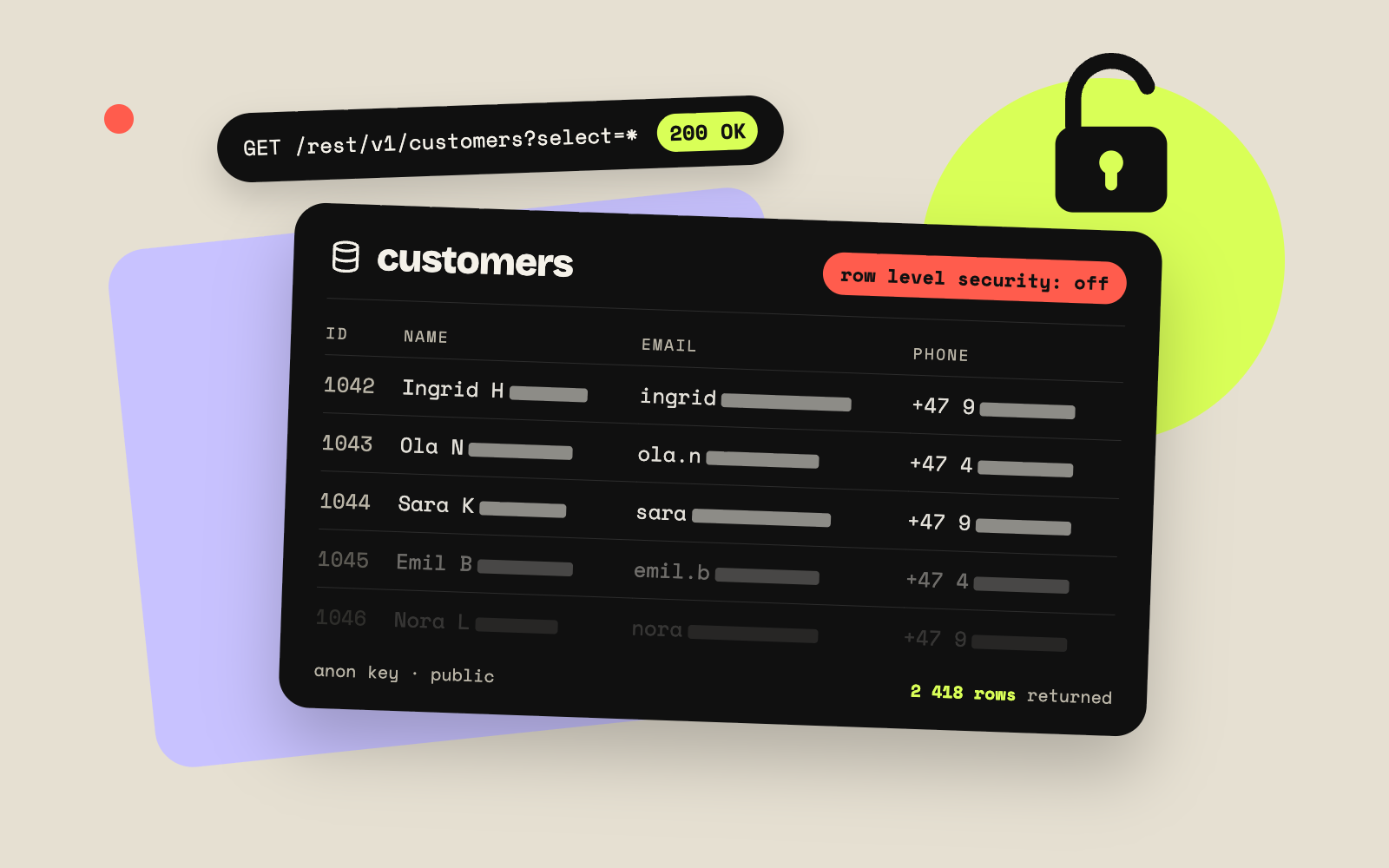
Much software built with AI uses Supabase or Firebase. Both let it talk directly to the database from the browser, and that is safe only when the access rules are switched on and correct. In Supabase it is called Row Level Security. In Firebase it is called Security Rules.
Without the rules, anyone can download entire tables: users, messages, orders. The public key needed sits visibly in the code sent to the browser. That is how it is designed.
Check: Open Supabase and make sure Row Level Security is switched on for every single table, and that each rule only lets users reach their own rows. In Firebase, no rule should say allow read, write: if true.
2. Secret keys sit in the browser
Keys for payments, email or AI services belong on the server only. When they end up in the code sent to the browser, anyone can copy them and use them in your name and on your bill.
Check: Open it in the browser, press F12 and search the sources for words like sk_live, service_role and secret. If you get a hit, the key has to be replaced and moved to the server.
3. Change a number, see someone else's data
It checks that you are logged in, but not that the data you ask for is yours. Swap order/1042 for order/1043 in the address or an API call, and you get another customer's order. It is one of the most common causes of large leaks, and automated scanners do not find it.
Check: Create two test users. Log in as one, and try to open something that belongs to the other.
4. Admin functions are only hidden
The admin button is gone for normal users, but the function behind it works for anyone who knows the address. Hiding a button is not the same as locking a door. The server itself has to check that whoever is asking really is an administrator.
5. AI features with no cap
A chatbot or AI feature with no limits can be used by anyone, as much as they like, and the bill goes to you. It can also be tricked into revealing instructions or data it should not share.
Check: Set a spending cap with the AI provider, limit how many calls each user can make, and let the AI see only data the user already has access to.
6. No limits on logins and uploads
Without limits, someone can try thousands of passwords against an account, or upload files it was never meant to accept. Both are easy to close, but it has to be done on purpose.
It happens
In February 2026, an app built with Lovable was left open with data on around 18,000 users, because the database access rules were missing (The Register). In September 2026, TechCrunch reported Supabase customers exposing large amounts of personal data the same way.
If personal data is involved, a breach must as a rule be reported to the data protection authority within 72 hours.
A quick self-check
- Are the database access rules switched on for every table?
- Are there secret keys in the code sent to the browser?
- Can a logged-in user see or change another user's data?
- Does the server check the role before admin functions run?
- Do the AI features have caps on use and cost?
- Are there limits on login attempts and uploads?
If you are unsure about any of these, that is a good sign it should be tested before it gets more users.
When should it be tested?
Before launch, before an investor or larger customer looks at it, and after big changes to login, roles or payments. If it holds personal data, it should be tested regularly.
We test apps, websites and systems built with AI tools, usually with access to the code and in a separate copy with made-up data, and we fix what we find. About security testing.